
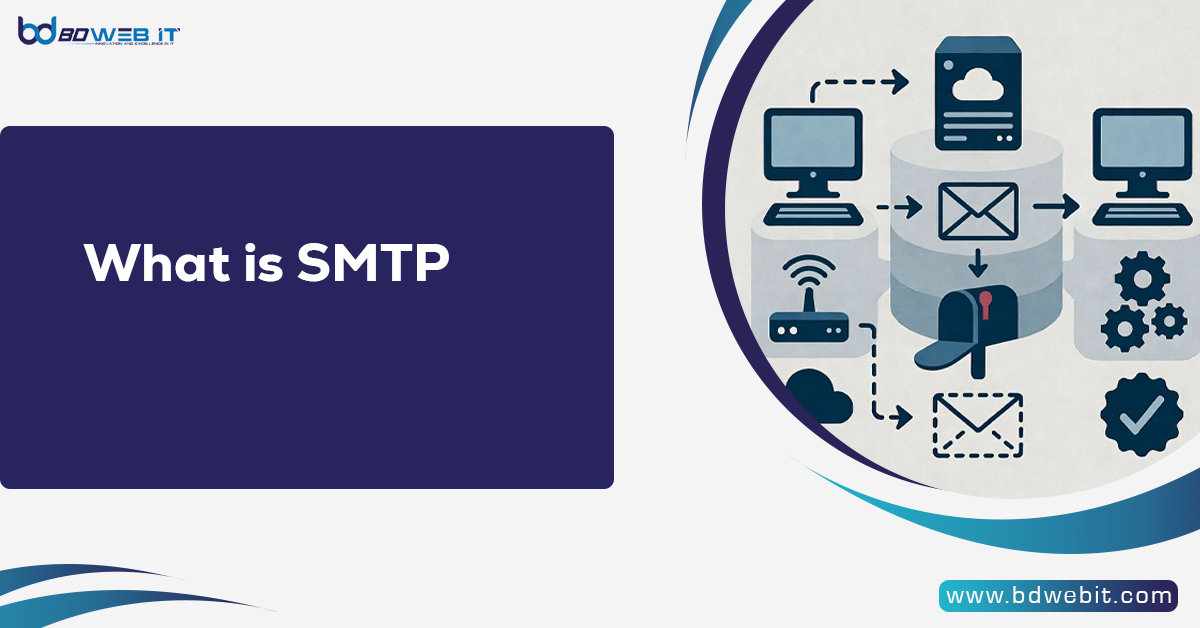
SMTP (Simple Mail Transfer Protocol) is the standard protocol used to send emails across the Internet. Whenever you click the “Send” button in your email application, this protocol is responsible for transferring your message from your mail client to the recipient’s mail server. In simple terms, it acts as the delivery system that moves outgoing emails from one server to another.
What Does Simple Mail Transfer Protocol Mean?
Simple Mail Transfer Protocol is a communication rule that email servers follow to transmit outgoing messages. It was introduced in 1982 and remains the backbone of modern email communication.
It works together with:
- IMAP (Internet Message Access Protocol)
- POP3 (Post Office Protocol 3)
While those two handle incoming messages, SMTP handles sending.
How Email Sending Works Behind the Scenes
When you send an email, the process follows these steps:
- Your email client connects to outgoing mail server.
- The server verifies your login credentials.
- It checks the recipient’s domain using DNS.
- The message is transferred to the recipient’s server.
- The receiver accesses the email using IMAP or POP3.
This structured communication ensures reliable message delivery.
SMTP Ports and Security Settings
Email transmission uses specific ports:
- Port 25 – Default port (mainly server-to-server communication)
- Port 587 – Recommended for secure email submission
- Port 465 – Used for encrypted SSL connections
Modern configurations use TLS (Transport Layer Security) to encrypt outgoing messages and prevent interception.
Why This Protocol Is Important for Businesses
One of the best business communication tools is still email. Reliable mail transfer is critical for:
- Transactional emails (order confirmations, password resets)
- Marketing campaigns
- Customer notifications
- Internal communication
Without proper server configuration, emails may land in spam folders or fail entirely.
Types of Email Sending Servers
There are three common options:
Shared Servers
Affordable, but shares IP reputation with other users.
Dedicated Servers
Provide full control over IP address and sending reputation.
Cloud-Based Provider
Examples include:
These platforms offer scalability and high deliverability.
Authentication and Security
Authentication prevents unauthorized users from sending emails through your server. This includes:
- Username and password verification
- SPF records
- DKIM signatures
- DMARC policies
Proper authentication improves inbox placement and protects domain reputation.
Common Email Sending Errors
Some common errors include:
- 421 – Service unavailable
- 450 – Mailbox temporarily unavailable
- 550 – Mailbox not found
- 554 – Transaction failed
Most issues relate to incorrect configuration, spam detection, or invalid recipient addresses.
How to Improve Email Deliverability
To improve performance:
- Use TLS encryption.
- Set up SPF, DKIM, and DMARC.
- Avoid spam trigger words.
- Warm up new IP addresses.
- Clean your email list regularly.
- Monitor blacklists.
Deliverability is influenced more by reputation and configuration than by server location.
Dedicated vs Shared Email Servers
Shared servers are budget-friendly but risky for high-volume senders. Your deliverability may suffer if someone else sends spam.
Dedicated servers offer better reputation control and are ideal for businesses sending bulk emails.
Choosing the Right Email Sending Solution
When selecting a provider, consider:
- Daily sending limits
- Security features
- IP reputation management
- Scalability
- Customer support
- Analytics and tracking
The right choice depends on your business size and email volume.
The Future of Email Transmission
Despite being developed decades ago, the email transfer system continues to evolve. Modern enhancements include:
- Advanced encryption
- AI-based spam filtering
- Stronger authentication standards
- Improved anti-phishing protections
Email remains one of highest ROI marketing channels globally.
Final Thoughts
Understanding what SMTP is and how it works is essential for anyone managing email communication. Whether you are running a small business, managing a marketing campaign, or configuring a mail server, proper setup ensures better deliverability and secure message transmission.
When configured correctly, this protocol ensures your emails reach inboxes instead of spam folders.
Comments are closed.