
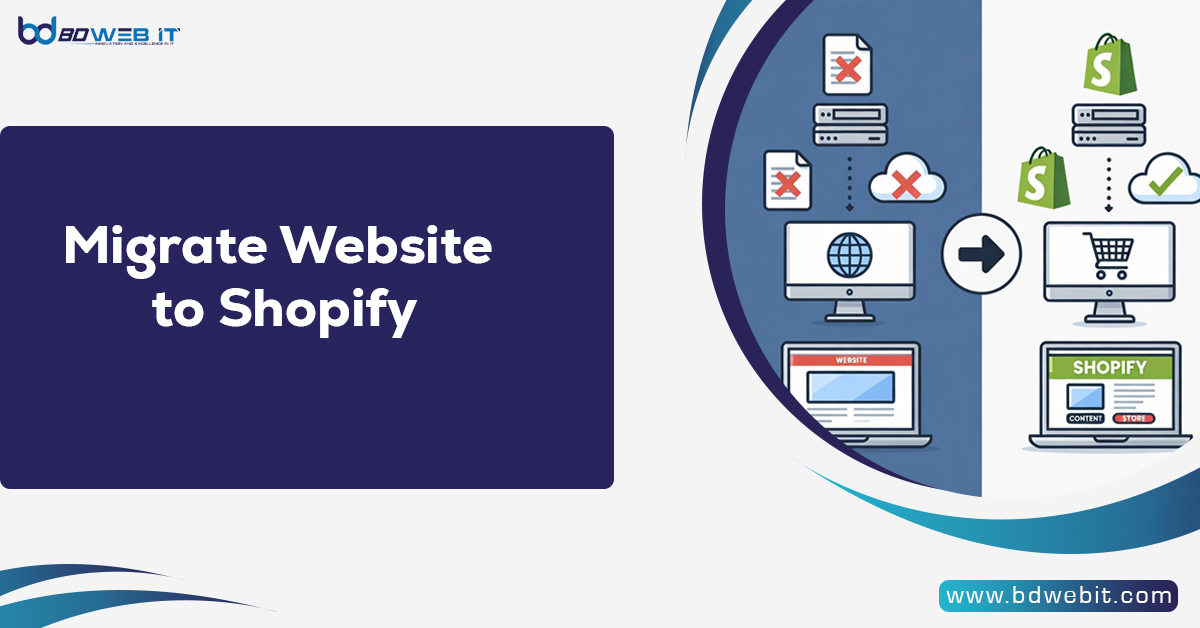
Migrate website to Shopify means moving your existing website, irrespective of whether it is built on WordPress, WooCommerce, Magento, Wix, or custom code, into the Shopify environment, including all your products, customers, orders, content, images, and SEO, and running your existing website on top of Shopify’s hosted eCommerce solution.
Now, let’s explore in detail how to successfully migrate your website to Shopify, why businesses choose it, and how to avoid common migration mistakes.
Why Migrate Website to Shopify?
Businesses migrate to Shopify for one main reason: simplicity with scalability. Unlike self-hosted platforms, Shopify manages hosting, security, PCI compliance, and performance.
Here are key benefits:
1. Fully Hosted Infrastructure
No need to manage servers or security patches. Shopify handles:
- SSL certificates
- Hosting
- Automatic updates
- Payment security compliance
2. User-Friendly Dashboard
You don’t need advanced technical skills. Shopify’s admin panel is intuitive and beginner-friendly.
3. App Ecosystem
With thousands of apps available, you can add:
- Email marketing automation
- Advanced shipping calculators
- Subscription billing
- Upsells & cross-sells
4. Built-In Payment Solutions
Shopify Payments integrates seamlessly, reducing transaction fees and simplifying checkout.
5. Scalable for Growth
From small startups to enterprise brands using Shopify Plus, Shopify grows with your business.
When Should You Migrate to Shopify?
You should consider migration if:
- Your website is slow or crashes frequently
- Security maintenance is becoming overwhelming
- Plugin conflicts break functionality
- Your platform doesn’t scale with traffic
- You want better checkout conversion
If you’re currently using WooCommerce, Magento, Wix, BigCommerce, or a custom CMS, Shopify can often provide better stability and performance.
Step-by-Step Guide to Migrate Website to Shopify
Step 1: Plan Your Migration Strategy
Before migrating:
- Audit your current website
- List all products, categories, and customer data
- Backup your entire website
- Identify critical SEO pages
Preparation reduces data loss and SEO damage.
Step 2: Set Up Your Shopify Store
- Create your Shopify account
- Choose a theme
- Configure store settings (currency, taxes, shipping zones)
- Set up payment gateways
Choose a theme that matches your current branding to minimize redesign costs.
Step 3: Migrate Products and Data
You can migrate data using:
- CSV import
- Shopify’s native importer
- Migration apps
- Professional migration services
If you’re migrating from WooCommerce or Magento, automated migration tools save significant time.
Data to transfer:
- Products (with variants and images)
- Customers
- Orders
- Categories
- Blog content
Always test imported data carefully.
Step 4: Design & Customization
Shopify themes are made using Liquid (Shopify’s templating language). You may:
- Customize homepage layout
- Adjust product page templates
- Optimize navigation
- Improve mobile responsiveness
Keep UX simple and conversion-focused.
Step 5: SEO Preservation During Migration
This is the most critical part.
To protect rankings:
1. Set Up 301 Redirects
Redirect old URLs to new Shopify URLs.
Example:
Old: yourstore.com/product-name
New: yourstore.com/products/product-name
Use Shopify’s URL redirect tool.
2. Maintain Meta Titles & Descriptions
Copy SEO metadata from your old website.
3. Submit Updated Sitemap
Submit your new sitemap to Google Search Console.
4. Preserve Content Structure
Don’t drastically change page hierarchy unless necessary.
SEO mistakes during migration can cause traffic loss, so handle carefully.
Common Challenges When You Migrate Website to Shopify
1. URL Structure Differences
Shopify uses fixed URL formats like:
- /products/
- /collections/
This requires careful redirect planning.
2. Lost SEO Rankings
Without proper redirects and metadata transfer, rankings may temporarily drop.
3. App Overload
Installing too many apps slows performance. Use only essential tools.
4. Design Mismatch
Trying to replicate an old complex design may not align with Shopify’s structure. Sometimes, redesigning for better UX is smarter.
Shopify Migration from Popular Platforms
Migrate from WooCommerce
WooCommerce users often move due to:
- Hosting issues
- Plugin conflicts
- Security vulnerabilities
Shopify removes server maintenance responsibilities.
Migrate from Magento
Magento is powerful but complex. Shopify offers:
- Faster setup
- Lower development cost
- Simpler management
Migrate from Wix or Squarespace
These platforms are beginner-friendly but limited in scalability. Shopify provides stronger eCommerce features.
Cost of Migrating to Shopify
Migration cost depends on:
- Number of products
- Custom design needs
- SEO complexity
- Third-party integrations
Estimated range:
- DIY migration: Low cost (mostly your time)
- Professional service: $300 – $5000+, depending on complexity
Enterprise migrations to Shopify Plus can be significantly higher.
Best Practices for a Smooth Shopify Migration
1. Test Before Going Live
Use password protection mode while building.
2. Check Mobile Experience
Over 60% of eCommerce traffic is mobile.
3. Optimize Page Speed
Compress images and avoid heavy apps.
4. Reconnect Analytics
Set up:
- Google Analytics
- Facebook Pixel
- Conversion tracking
5. Run a Soft Launch
Test checkout with real transactions before public launch.
Post-Migration Checklist
After going live:
- Monitor traffic and rankings
- Check for 404 errors
- Test payment gateways
- Verify email notifications
- Monitor abandoned carts
Track performance weekly for the first 30 days.
Should You Hire a Shopify Migration Expert?
Hire an expert if:
- You have 1,000+ products
- SEO traffic is critical
- Custom integrations are involved
- You lack technical expertise
Professional migration reduces risk and downtime.
Final Thoughts: Is Shopify Worth Migrating To?
If you want:
- Stability
- Security
- Scalability
- Easy store management
- High-converting checkout
Then migrating your website to Shopify is often a smart long-term investment.
However, migration should be strategic—not rushed. Proper planning, SEO preservation, and testing ensure you don’t lose traffic or revenue during the transition.
A well-executed migration can increase speed, improve conversion rates, and simplify your entire eCommerce operation.