


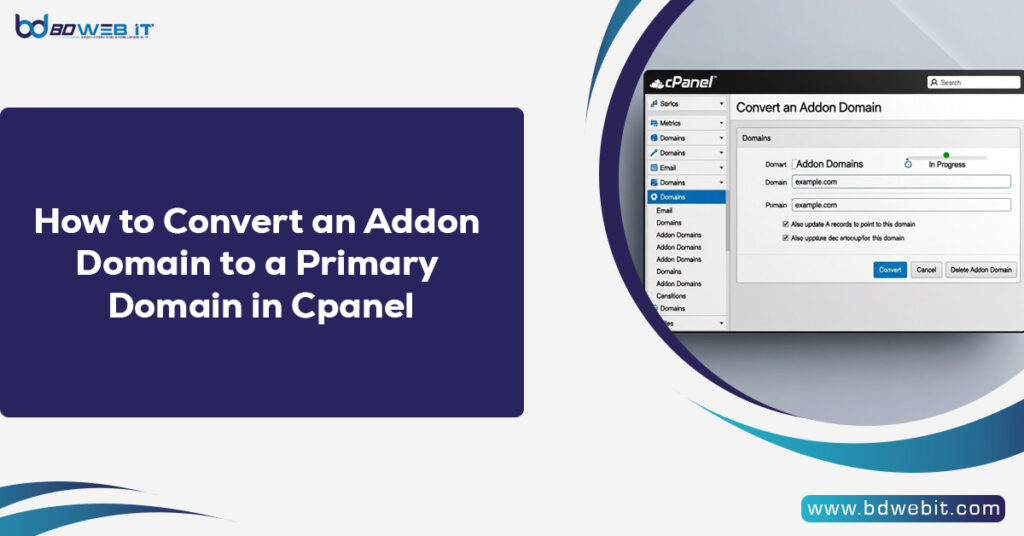
If you want to convert an addon domain to a primary domain in cPanel, the short answer is: you cannot directly switch it inside cPanel. You must either contact your hosting provider to change the primary domain from the server side (WHM/root level) or create a full backup and migrate your website manually to a new cPanel account where the addon domain becomes the primary domain. Now let’s go step-by-step and explore the complete process in detail.
Understanding Primary vs Addon Domain in cPanel
Before making any changes, it’s important to understand how cPanel manages domains.
In cPanel:
- Primary Domain: The main domain assigned when the hosting account is created.
- Addon Domain: An additional domain hosted under the same cPanel account.
- Subdomain: A domain extension like blog.example.com.
The primary domain controls:
- Account username path (e.g., /home/username/)
- Main document root (public_html)
- Account identity within the server
Addon domains usually have:
- Separate document roots (e.g., /public_html/addondomain.com/)
- Shared resources (bandwidth, disk space, IP)
Because the primary domain is tied to the account configuration at the server level, cPanel does not allow direct swapping.
Why Convert an Addon Domain to Primary?
There are several practical reasons:
- Brand Repositioning – You want the addon domain to become your main brand.
- SEO Strategy – Moving focus from an old domain to a new main domain.
- Selling the Old Domain – You want to detach it from hosting.
- Better Account Structure – Cleaner hosting management.
If you’re running a business website or SEO campaign, making the right domain primary can improve organization and long-term scalability.
Method 1: Ask Hosting Provider to Change the Primary Domain (Recommended)
The easiest and safest method is contacting your hosting provider.
If your hosting provider uses WHM (Web Host Manager), they can:
- Modify the account.
- Replace the primary domain.
- Keep files intact.
- Adjust Apache/Nginx configurations automatically.
Steps to Follow:
- Backup your entire cPanel account.
- Open a support ticket.
- Request:
“Please change my primary domain from the olddomain.com to newdomain.com (currently an addon).”
Your host will:
- Update the account domain.
- Adjust DNS settings.
- Maintain your email accounts.
- Reassign document roots properly.
Pros:
- No file migration needed.
- Minimal downtime.
- Safe and clean process.
Cons:
- Depends on hosting provider support.
- Some budget hosts may refuse.
Method 2: Manual Migration (If Host Doesn’t Support)
If your hosting company refuses to change the primary domain, you must manually migrate.
Step 1: Full Backup
In cPanel:
- Go to Backup Wizard
- Download:
- Home Directory
- MySQL Databases
- Email Forwarders & Filters
Or create a Full Account Backup.
Step 2: Remove the Addon Domain
Before proceeding:
- Go to Domains
- Remove the addon domain.
- Keep files saved locally.
Step 3: Create a New cPanel Account
You must:
- Create a new hosting account using addon domain as the primary domain.
- This can be done via your hosting client area.
Step 4: Upload Website Files
Now:
- Go to File Manager.
- Upload the website files into:
Code
public_html/
- Extract files.
If your addon domain was located in:Code public_html/addondomain.com/
Move all contents directly into:
Code
public_html/
Step 5: Import Database
- Open phpMyAdmin
- Create a new database.
- Import your SQL file.
- Update configuration file:
For WordPress example:
Code
wp-config.php
Update:
- Database name
- Username
- Password
Step 6: Update URLs (If Needed)
If domain structure changes:
For WordPress:
- Update siteurl
- Update home values
You can use search and replace tools inside the WordPress admin.
Important DNS Configuration
After conversion, update:
- Nameservers
- A Record
- MX Records (if using email)
You can manage DNS inside cPanel → Zone Editor or via your domain registrar.
Email Account Considerations
If your addon domain had emails like:
Code
info@addondomain.com
You must recreate them in the new account.
Email data will not automatically transfer unless:
- You restore a full cPanel backup
- Or manually migrate mail folders
SEO & Google Search Console Considerations
If the old primary domain is being retired:
- Set up 301 redirects.
- Update sitemap.
- Update canonical tags.
- Add the new domain to Google Search Console.
- Submit change of address (if applicable).
This ensures you don’t lose ranking authority.
Common Mistakes to Avoid
❌ Deleting addon domain before backup
❌ Forgetting to export database
❌ Not updating configuration file
❌ Ignoring email migration
❌ Skipping DNS propagation waiting time
DNS changes may take 24–48 hours to fully propagate.
Which Method Should You Choose?
| Situation | Best Method |
|---|---|
| VPS/Dedicated with WHM access | Change via WHM |
| Shared Hosting (support available) | Ask host |
| Shared Hosting (no support) | Manual migration |
| Multiple websites | Create separate cPanel accounts |
Pro Tip for Business Websites
If your addon domain is becoming your main brand, consider:
- Using a fresh hosting account
- Using a dedicated IP
- Enabling SSL immediately
- Cleaning old redirect chains
This keeps your site structure optimized and professional.
Final Thoughts
Convert an addon domain to a primary domain in cPanel is not a one-click action. Since cPanel ties the primary domain to the hosting account itself, you must either request your hosting provider to change it from the server side using WHM or manually migrate your website to a new hosting account where your addon domain becomes the primary domain.
If you are unsure, always back up first and consult your hosting provider before making structural changes.